27th March 2026 - Ethernet Explorations
That the Raspberry Pi Connect software had stopped working was a nuisance and it was not clear why that should have happened. Whenever I end up with a computer based problem with no obvious solution I have taken to explaining it in great detail on Deep Seek AI and asking for any suggestions. This can be useful but sometimes it does lead to a great deal of work before a much simpler solution is stumbled upon, and so it was in this case. After quite a lot of time running tests to see to what extent the Pi and the PC could 'talk' via the router in the cupboard downstairs the conclusion emerged that the data rate was probably too poor to cope with the bigger screen and all its parameters. What was needed was a direct wired link since the machines were so close. No neither I nor Deep Seek thought of the idea of perhaps getting a pair of BlueTooth dongles to provide better communication. Instead we decided that the Ethernet socket on the Pi could be connected to a bought in Ethernet dongle on the PC. The house has far too many unused Ethernet connection cables so wiring would be no problem.
A USB2 plug in Ethernet adapter was soon acquired and much time was spent trying to get it to work. It had come with no driver software so that had to be sourced from the variety of possibilities to be found on the Internet. There were many failures and changes of driver. There were many tests and much Pinging but all to no avail. Eventually Deep Seek reported that there were no more parameters that could be tweaked and perhaps we should conclude that the USB dongle was no use. Asking if there were any other possibilities, Deep Seek suggested that it would probably be possible to use an Ethernet switch. Having never heard of that technology a little bit of time was invested in finding out about the capabilities. Deep Seek suggested that the application only needed the simplest and cheapest of such switches and thus one was soon purchased. I was surprised to discover that the switch actually had no physical switches - everything was/is done electronically.
The switch was placed on the Ethernet line from the router and one of the output ports was then connected to the PC. At that stage the PC continued to work as if it still had sole use of the line from the Router. One of the other ports was connected to the Ethernet socket on the Pi and with Deep Seek's advice, the PI was persuaded to 'see' the connection via the Ethernet socket to the router. That was a good break through as the Pi now had full Internet access and anything that I could load from the Internet on the PC I could now load onto the the PI. The next step was to persuade the Pi and the PC to talk to each other. After much Deep Seek led investigation and testing it became possible to Ping the Pi from the PC and get an answer. It was also possible to do the same the other way.
The final step was to set up a way for the PC to display the Pi's screen and allow it to be controlled from the PC. This took some time and many tests but eventually the package called Tiger VNC was installed and worked well. One could criticise it in various ways, but given that it came as free software and works well that would be very picky. It is now possible to copy and paste stuff from the PC to the PI and vica versa. The only problem is to remember which keyboard and mouse to use as the Pi image on the PC can be controlled using either.
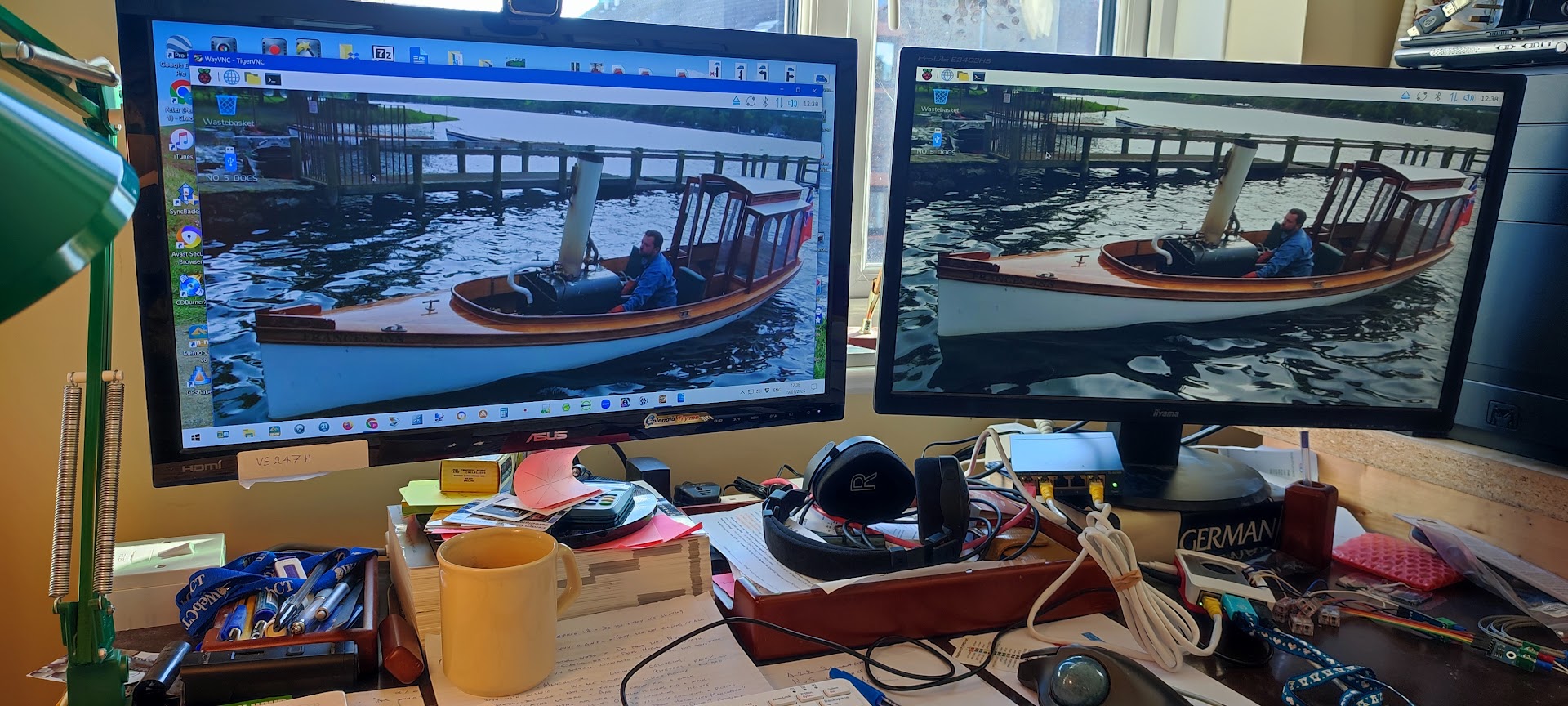 |
With those problems solved it was time to go back to the idea of getting the two thermocouples working and calibrated and then to add in the two display screens. A small job? Hopefully!